⚠️ WARNING: This product contains a coin cell battery. DEATH or serious injury can occur if swallowed. Keep out of reach of children. If swallowed, seek medical attention immediately and call the National Battery Ingestion Hotline:
1-800-498-8666.
Full battery safety information
WiBell Classic Programmable Bell
WiBell is a complete programmable bell system designed for schools, warehouses, factories, churches, and commercial facilities. It operates as a standalone device — no internet, no cloud service, and no subscription required.
The built-in web interface is accessible through the device's own WiFi hotspot or your building's local network. Configure schedules, test the bell, and adjust settings from any phone or computer with a browser. No app to install.
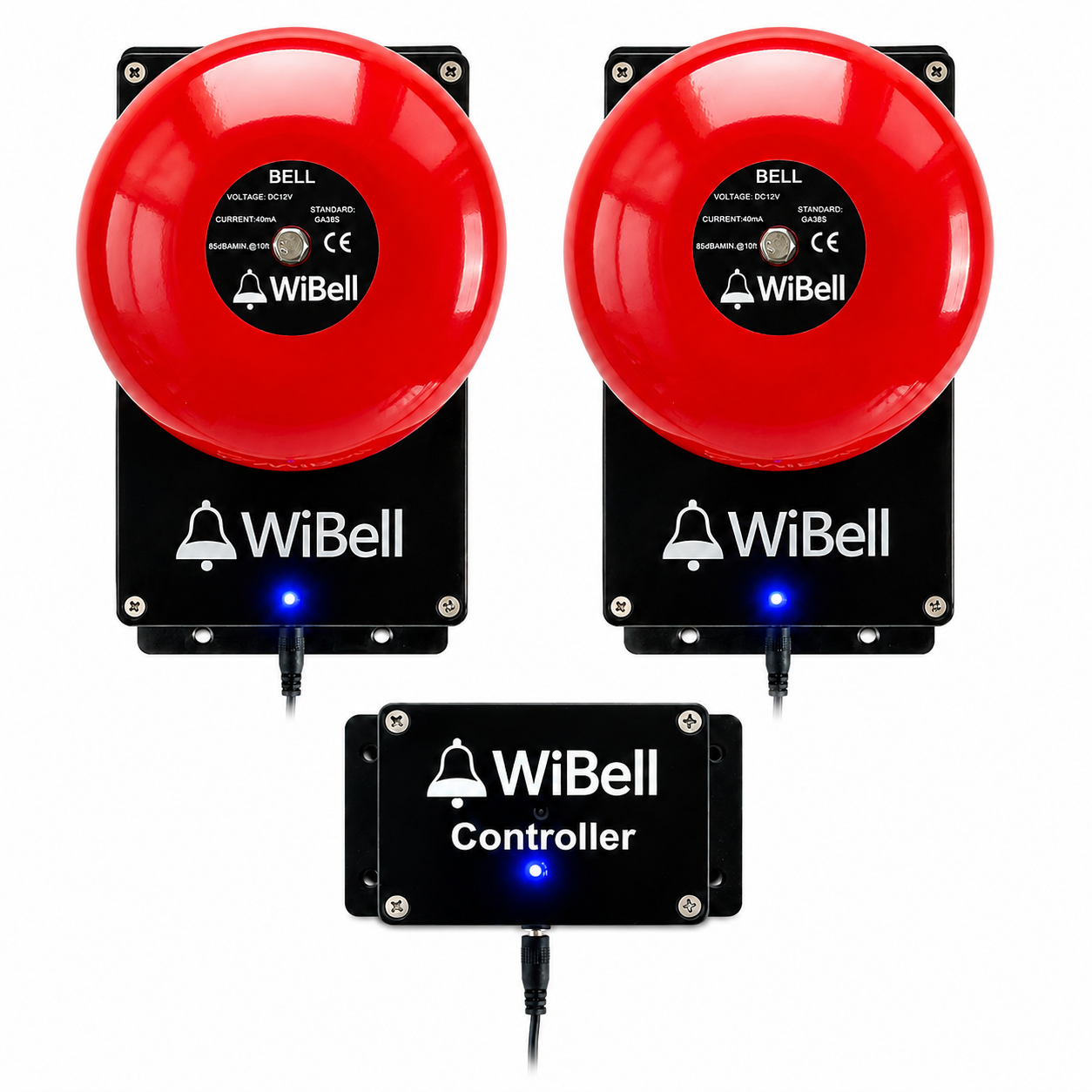
Use WiBell independently with its own schedule, or connect it to a WiBell Controller for centralized management across multiple bells.
Key capabilities
Standalone operation — no internet required
500 scheduled events — per device, per week
RTC backup battery — accurate time through outages
Web-based control — any phone or computer
Built-in WiFi hotspot — no network needed
Multi-bell ready — via optional WiBell Controller
How it works
1
Mount on wall and plug in the 12V adapter
2
Connect to WiBell WiFi from your phone
3
Open 192.168.4.1, sync time, set schedules
Specifications
| Power |
12V DC adapter (included) |
| Sound level |
85 dB at 10 ft |
| Coverage |
6,000–8,000 sq ft (layout dependent) |
| Ring duration |
1–60 seconds (adjustable) |
| Schedules |
Up to 500 events per week |
| Network |
2.4 GHz WiFi (optional — creates own hotspot) |
| Backup battery |
CR2032 RTC (3–5 year life) |
| Control interface |
Any web browser (phone, tablet, or PC) |
| Mounting |
Wall mount (hardware included) |
| Enclosure |
Industrial ABS housing |
Sound coverage
85 dB at 10 feet provides effective coverage of approximately 6,000–8,000 sq ft, depending on background noise and building layout. A single unit is typically effective for up to 5 classrooms when rooms open into the same shared hallway.
For long hallways, separated wings, multiple floors, or high-noise environments, deploy additional WiBell units. Each unit operates independently or can be managed centrally via the WiBell Controller.
What's included
WiBell Programmable Bell | 12V DC power adapter | Mounting hardware (screws + wall plugs) | Quick start guide
Documentation
WiBell Programmable Bell Manual (PDF)
Includes setup instructions, schedule configuration, battery replacement, and troubleshooting.
Full support page — setup videos, FAQ, and troubleshooting guides for all WiBell products.
⚠️ WARNING: Cancer and Reproductive Harm – www.P65Warnings.ca.gov