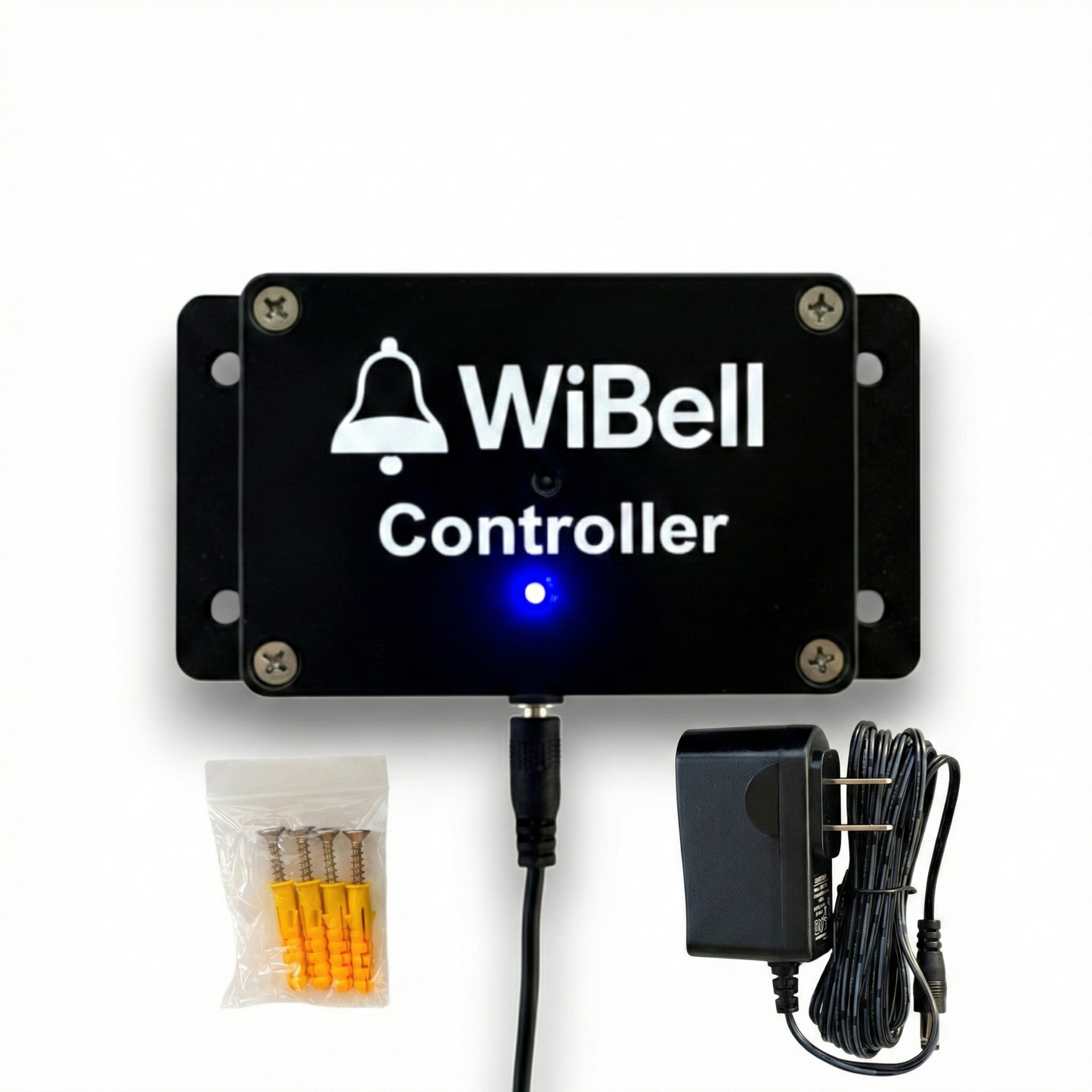
WiBell Classic Controller
The WiBell Classic Controller is the central management unit for multi-bell installations of WiBell Classic Programmable Bell. Discover, organize, schedule, and control multiple WiBell bells from a single web interface — accessible from any phone or computer.
All management runs on your local network. No cloud services, no subscription, no external dependency. Create schedules once, push them to all bells simultaneously, and each bell runs autonomously from that point.
Use the Controller when you need coordinated schedules, grouped control, and consistent timing across multiple bells in schools, factories, warehouses, and large facilities.
Key capabilities
Up to 100 bells — from a single controller
4 independent groups — separate schedules per zone
2,000 total schedules — 500 per group
One-click deployment — push to all bells at once
Manual ring control — all bells, one group, or single device
No cloud, no subscription — runs entirely on your network
How it works
1
Connect Controller to building WiFi
2
Connect WiBell bells to same network
3
Discover, name, and group your bells
4
Create schedules and push to all bells
Once schedules are deployed, bells operate independently. WiFi is only required when pushing schedule updates. If WiFi goes down, bells continue ringing on their existing schedules.
Deployment examples
School campus — 3 buildings: 8 bells + 1 Controller. Group 1: Elementary. Group 2: Middle School. Group 3: Gymnasium. All managed from the front office.
Manufacturing plant — 2 shifts: 4 bells + 1 Controller. Group 1: Production Floor. Group 2: Shipping. Different break schedules managed from operations office.
Warehouse — multi-zone: 6 bells + 1 Controller. Group 1: Receiving. Group 2: Assembly. Group 3: Dispatch. Each zone's break schedule coordinated from one dashboard.
Specifications
| Devices supported |
Up to 100 WiBell bells |
| Groups |
Up to 4 independent groups |
| Schedules per group |
Up to 500 |
| Total schedules |
Up to 2,000 across all groups |
| Network |
2.4 GHz WiFi (required) |
| Power |
12V DC adapter (included) |
| Control interface |
Any web browser (phone, tablet, or PC) |
| Device discovery |
Automatic on local network |
| Time management |
Centralized NTP synchronization |
Requirement: The WiBell Controller manages
WiBell Programmable Bells (sold separately). Both the Controller and all bells must be connected to the same 2.4 GHz WiFi network. The Controller is not compatible with third-party devices.
What's included
WiBell Controller | 12V DC power adapter | Quick start guide
Documentation
WiBell Controller Manual (PDF)
Includes setup, device discovery, group configuration, schedule deployment, and troubleshooting.
Full support page — setup video, step-by-step guide, and troubleshooting for the Controller.
⚠️ WARNING: Cancer and Reproductive Harm – www.P65Warnings.ca.gov